Table of Contents
Testing homebrew using an emulator
The cheap and convenient way!
As homebrew produced by Wonderful requires a somewhat higher degree of accuracy than most emulators provide, please try to stick to emulators listed here.
If you don't feel like reading the whole page, just download Mesen CE.
Mesen CE
The best emulator for WS/WSC development is Mesen CE, a fork of Sour's Mesen 2. It features leading accuracy and the most extensive low level debugging functionality.
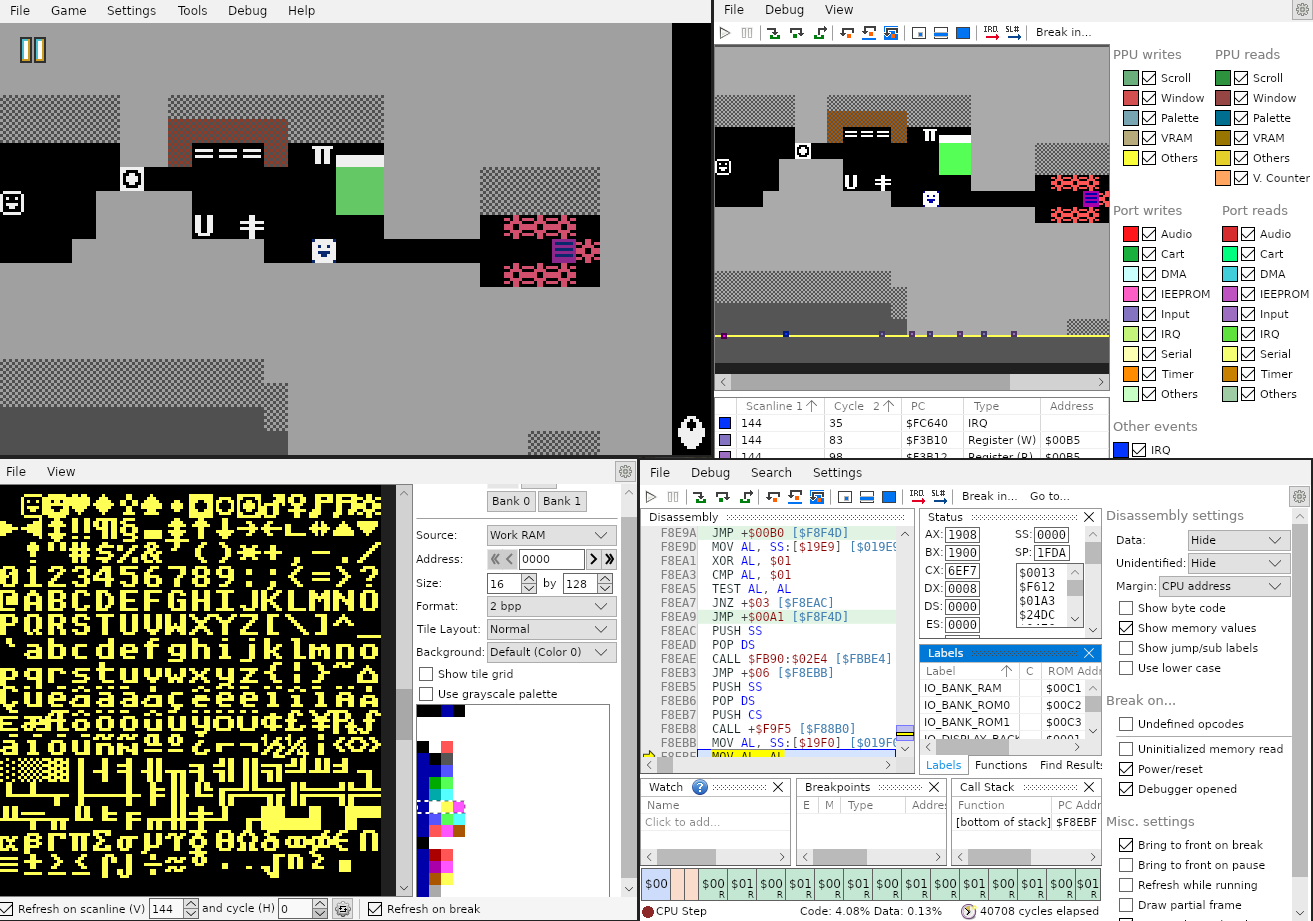
You can download Mesen CE here.
wf-mednafen
wf-mednafen is a fork of Mednafen. It features a variety of emulation fixes, as well as debugger UI improvements from the mednafenPceDev fork.
Even with those fixes, its accuracy is behind Mesen 2 or Ares, but it does provide a debugger. In addition, it has some features which are missing from Mesen 2, in particular UART port and WonderWitch cartridge emulation.
You can download wf-mednafen here.
Exposing the UART port on Linux
If you're using Linux, this should allow you to expose the console's UART port to other programs.
First, create a script in a fixed location of choice on your hard drive (for example, /home/myuser/ws_serial.sh):
#!/usr/bin/env bash
PATH=$HOME/.wine/dosdevices/com1
socat PTY,link="$PATH",echo=0 STDIO
Make sure to set PATH to the location you want the UART socket file to be present; the default suggested above will expose the port as the COM1 serial port to Windows programs, such as TransMagic, in WINE.
Next, edit ~/.mednafen/mednafen.cfg and edit the following options:
wswan.excomm 1
wswan.excomm.path /home/myuser/ws_serial.sh
From now on, after launching wf-mednafen, the UART port should be available under this socket file. Note that wf-mednafen restarts will invalidate the file, requiring a restart of the program on the other side.
Other emulators
These emulators do not provide advanced debugging functionality, so they are not recommended for development. However, they are still considered highly compatible with Wonderful-produced homebrew:
- NitroSwan - if you want to play WS/WSC homebrew on a DS/DSi console, this emulator can absolutely be recommended. Due to hardware limitations, it lacks a few features; in particular, the color 2-bits-per-pixel mode is limited to only 512 tiles and not 1024.